Muse Image —
Prompt Templates, Copy-Paste Ready
Every Muse Image prompt here ships with a real Muse Image output — pick a category, copy the prompt, reproduce the image in seconds.
Showing 12 Muse Image prompts
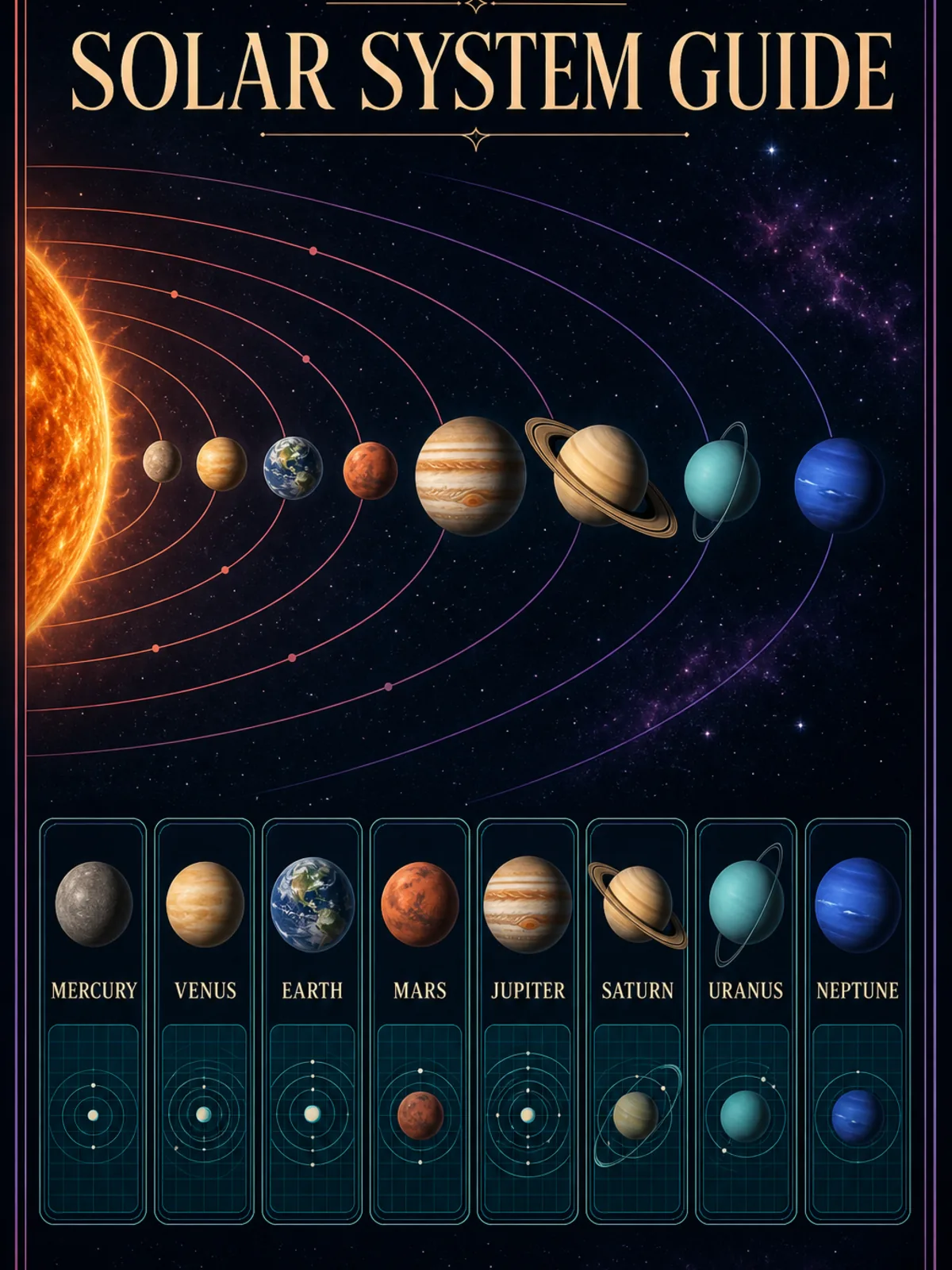
Solar System Infographic Poster
MediumA vertical educational infographic poster titled 'Solar System Guide' with dense but perfectly legible serif typography, small labeled data cards, and a retro science-textbook aesthetic on a dark navy background with metallic gold and cream accents.
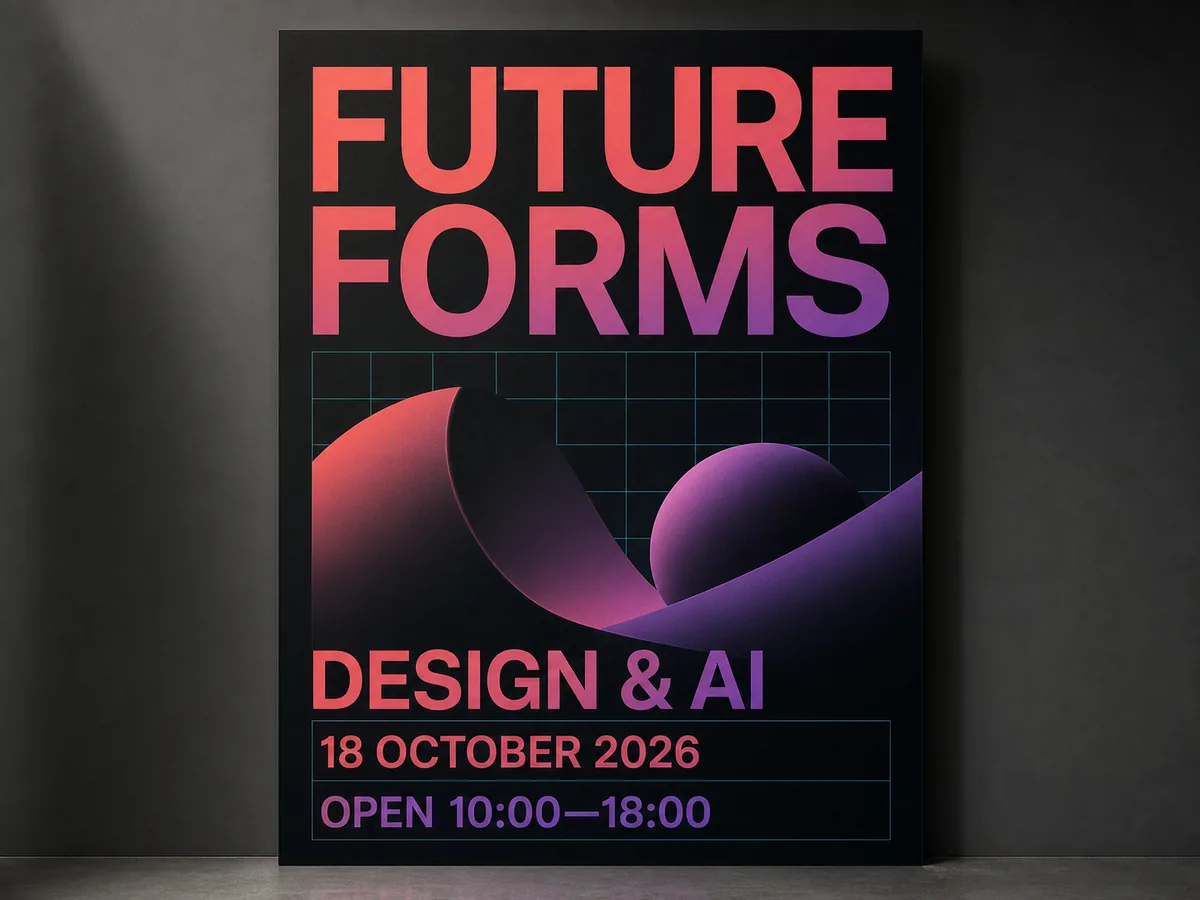
Event Poster with Razor-Sharp Text
EasyA print-quality event poster with a bold headline, several lines of crisp, perfectly legible body text, and a date — demonstrating razor-sharp in-image text rendering.
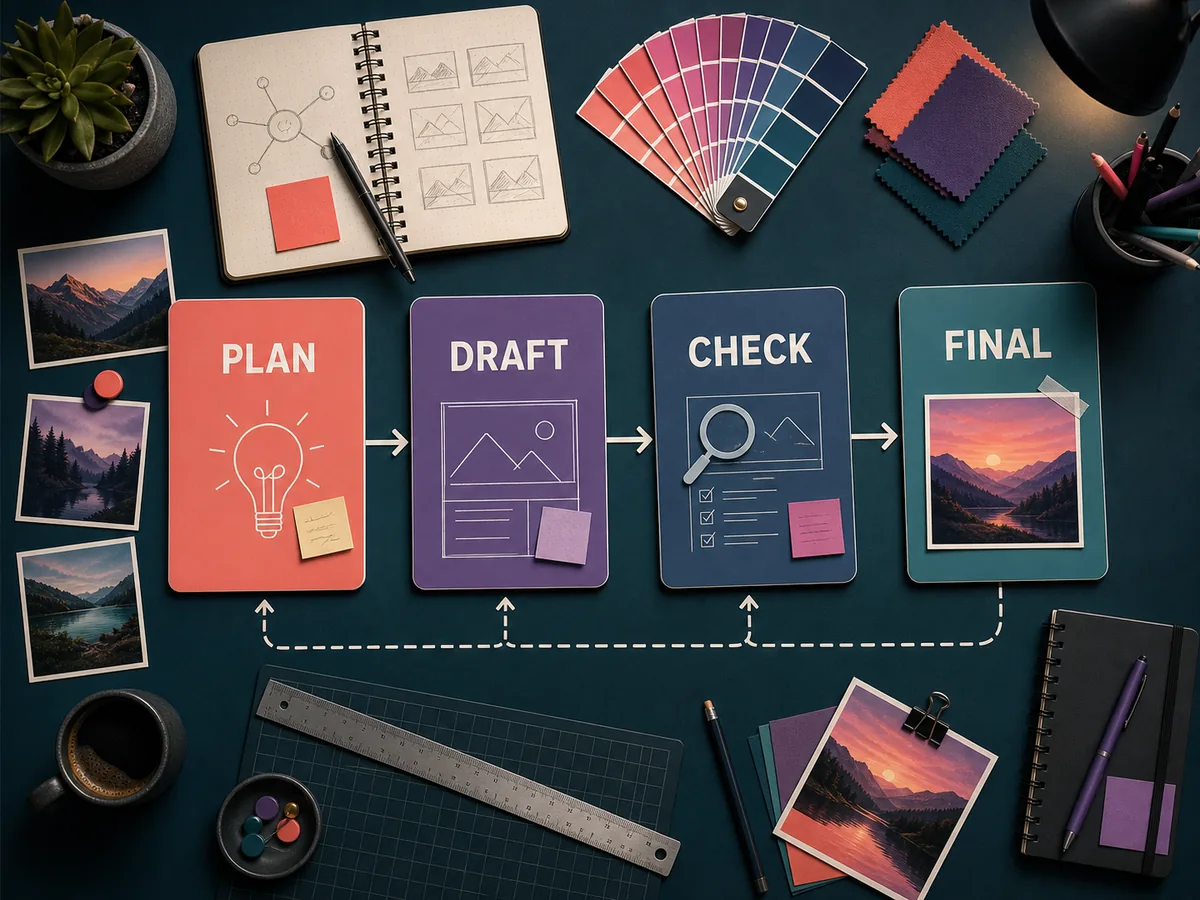
Labeled Infographic Flat-Lay
HardA tidy infographic desk flat-lay where every labeled item is correct and consistent — a complex, multi-element scene that clearly required reasoning before rendering.
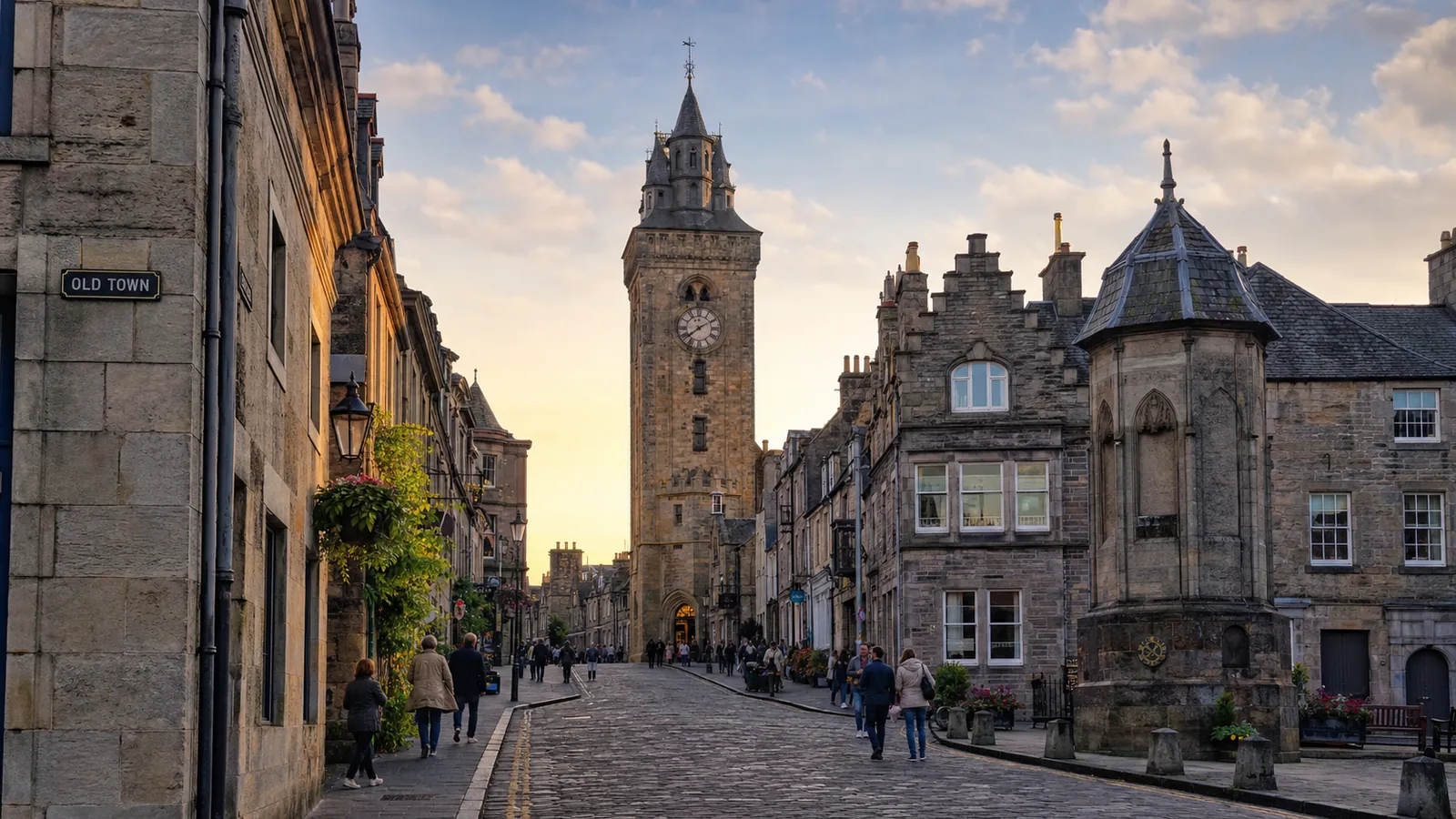
Historic Landmark Street Scene
MediumA contextually accurate architectural street scene of a real-feeling historic landmark, correct proportions and signage, golden-hour light.
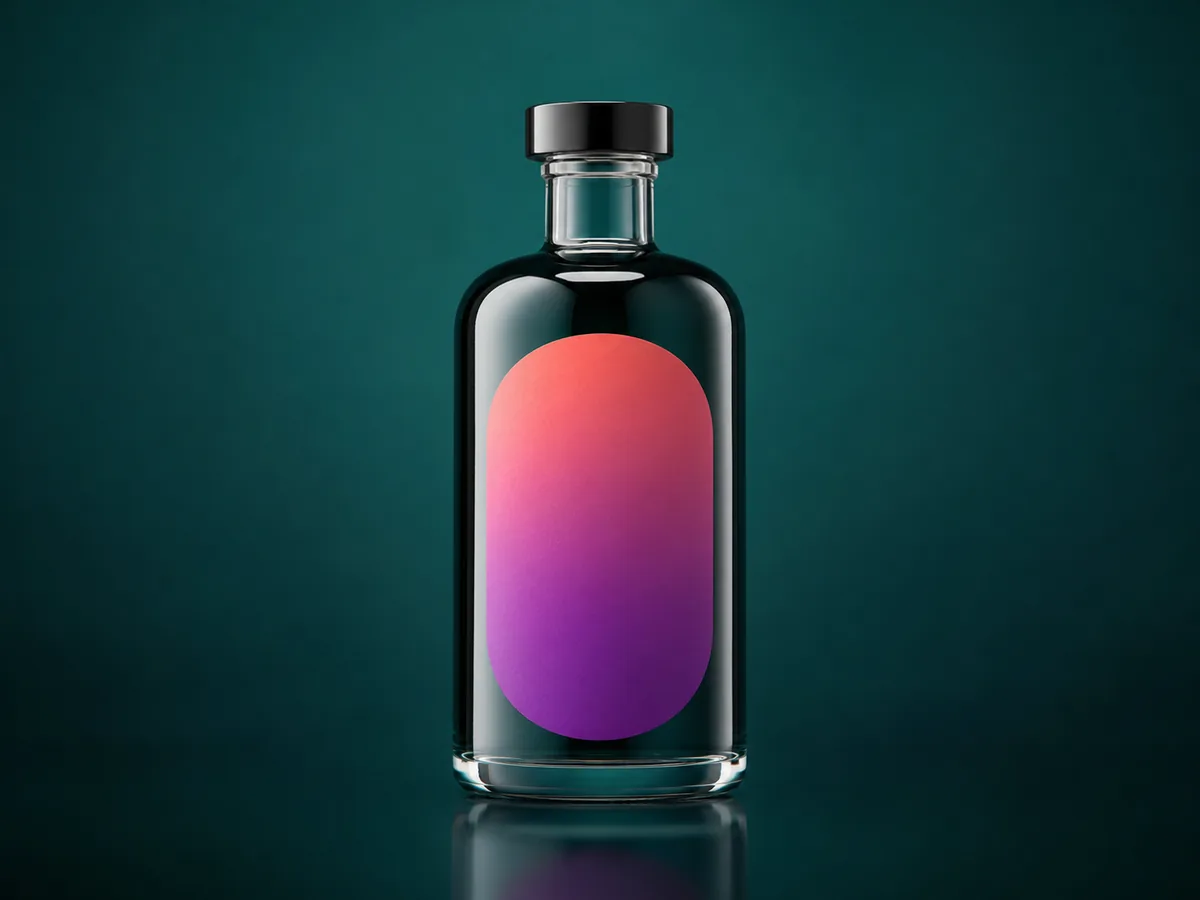
Premium Product Hero Shot
EasyE-commerce hero product shot of a premium bottle on a seamless background, accurate true-to-life colors, crisp reflections, soft studio lighting.
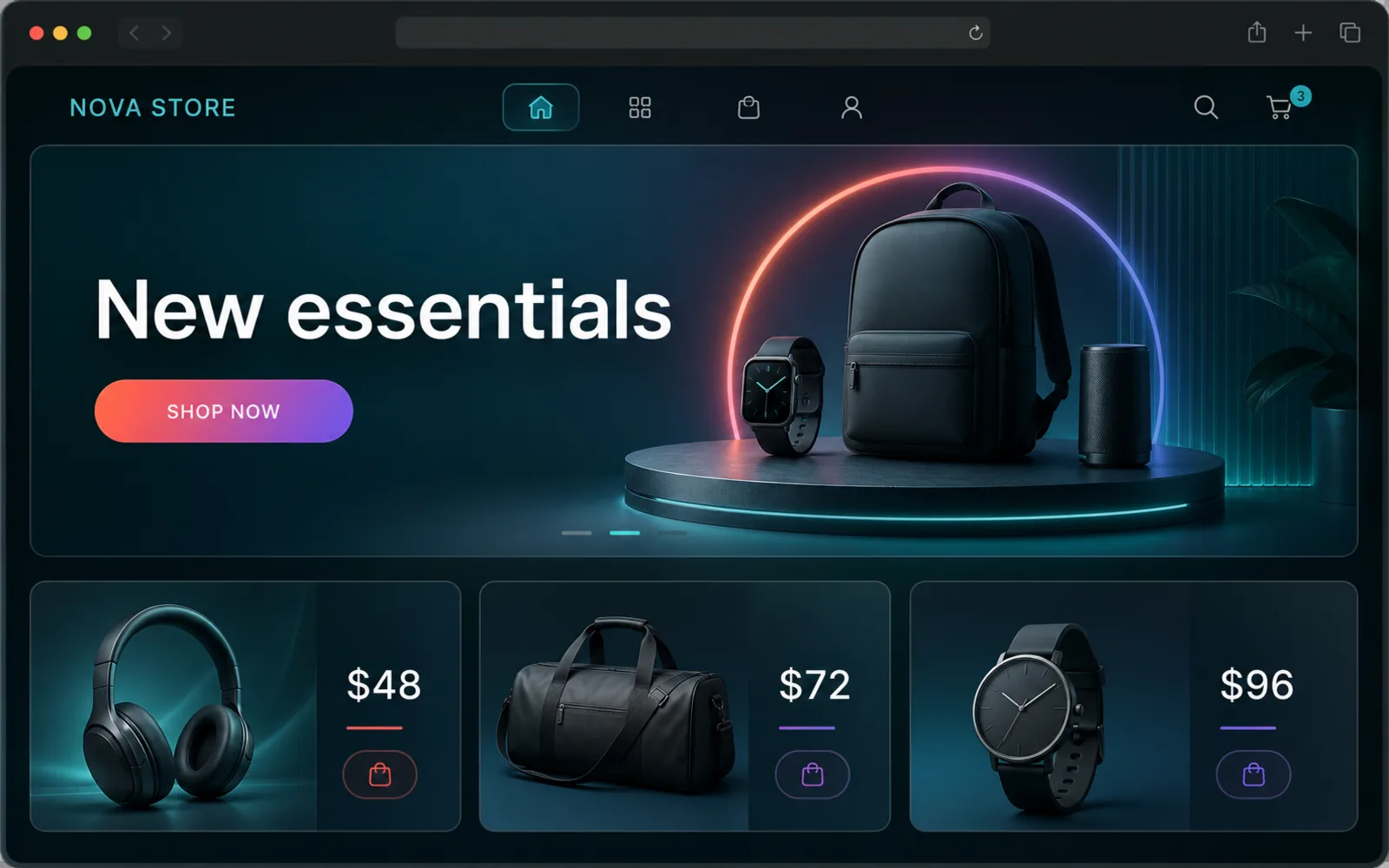
E-commerce UI Mockup
MediumA modern e-commerce homepage UI mockup in a realistic browser frame, crisp pricing labels and clean typography, glassmorphism panels, dark mode.
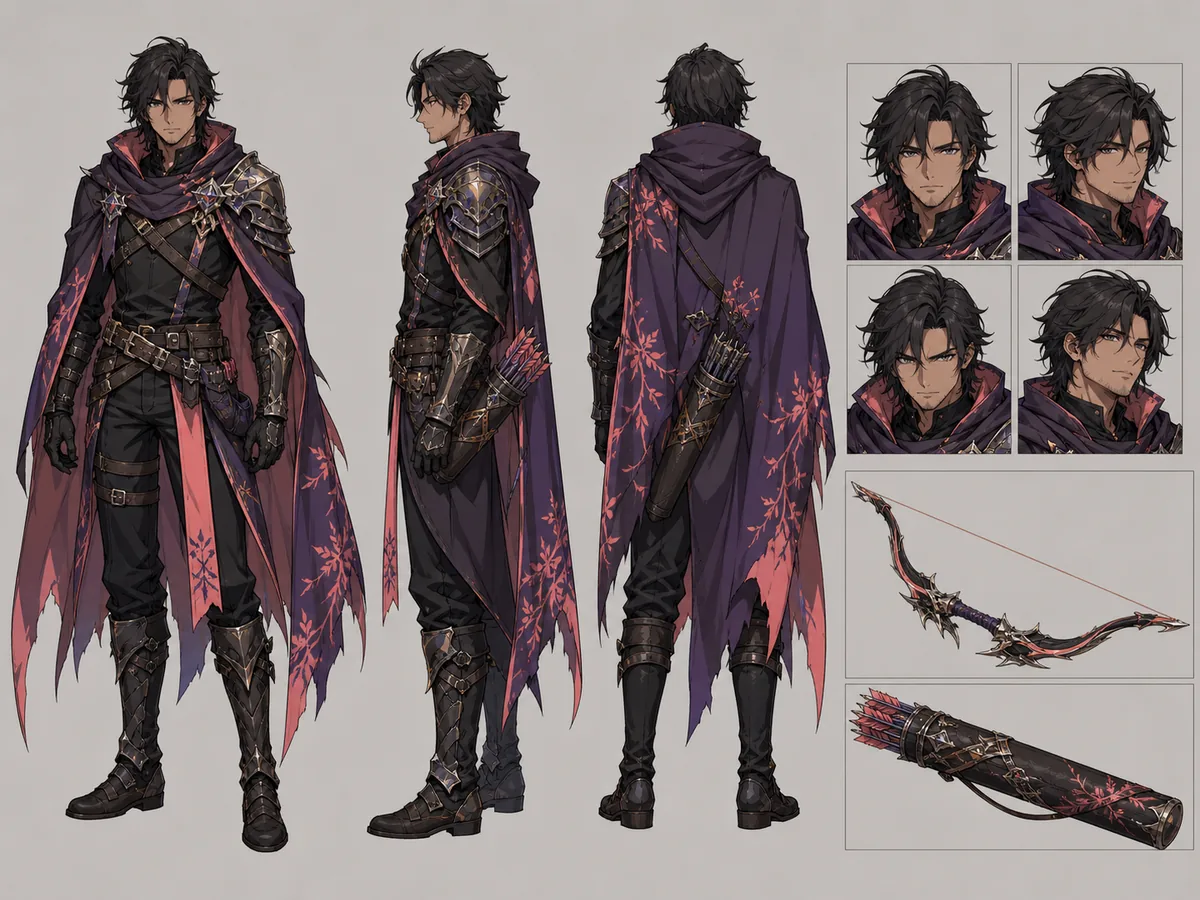
RPG Character Design Sheet
HardAn RPG character design sheet: three-view (front/side/back) plus an expression grid and weapon close-ups, the same character kept consistent throughout, anime concept-art quality.
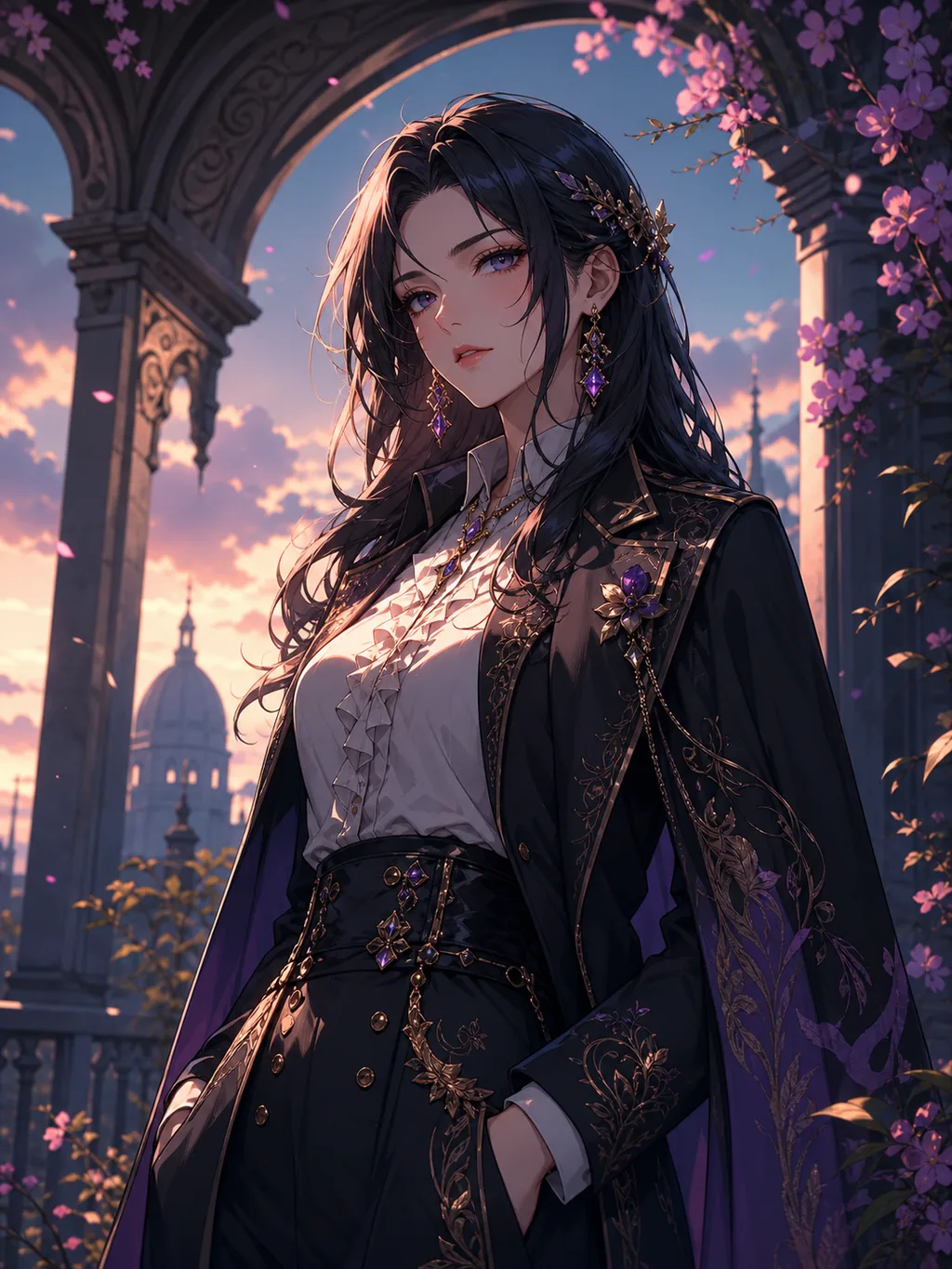
Anime Character Portrait
EasyAn anime-inspired character portrait with highly detailed eyes, clean cel-shading, and vibrant colors.
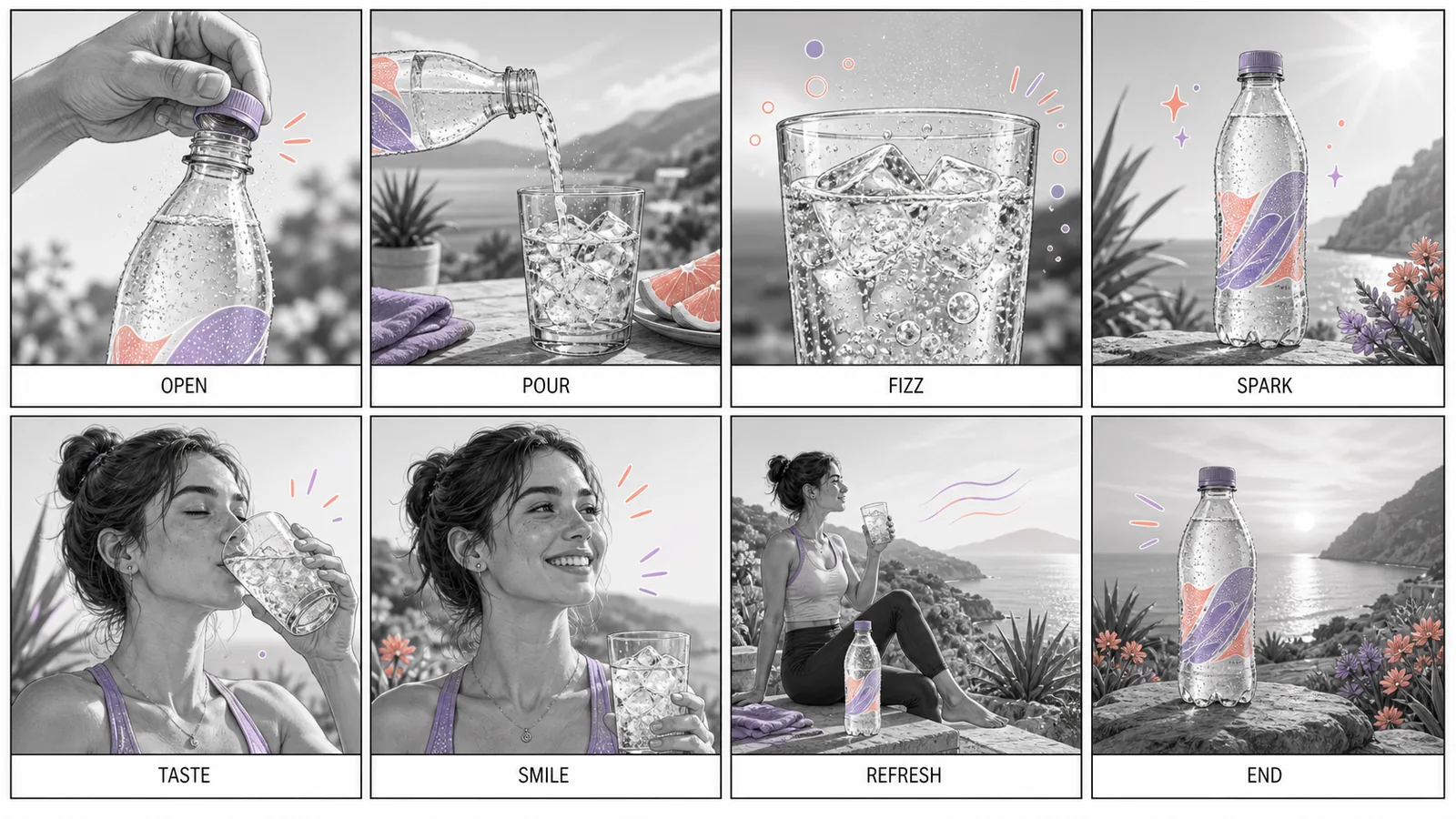
Soda Ad Storyboard (8 Shots)
HardAn 8-panel 16:9 storyboard for a 15-second soda commercial, each panel with a small legible caption underneath, production-board aesthetic.
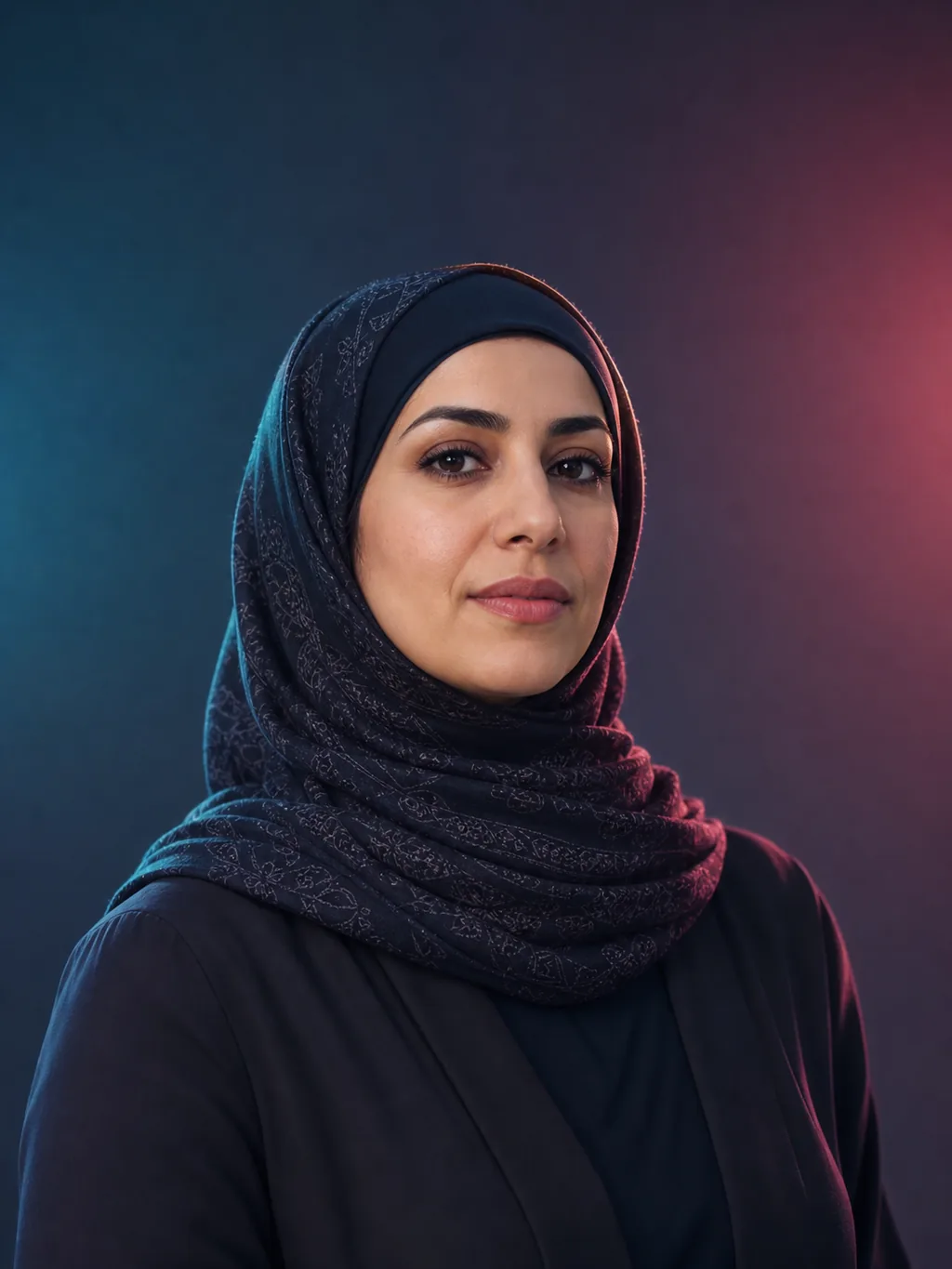
Photorealistic Studio Portrait
EasyA photorealistic studio portrait with natural skin pores, accurate lighting physics, and zero uncanny-valley glow.
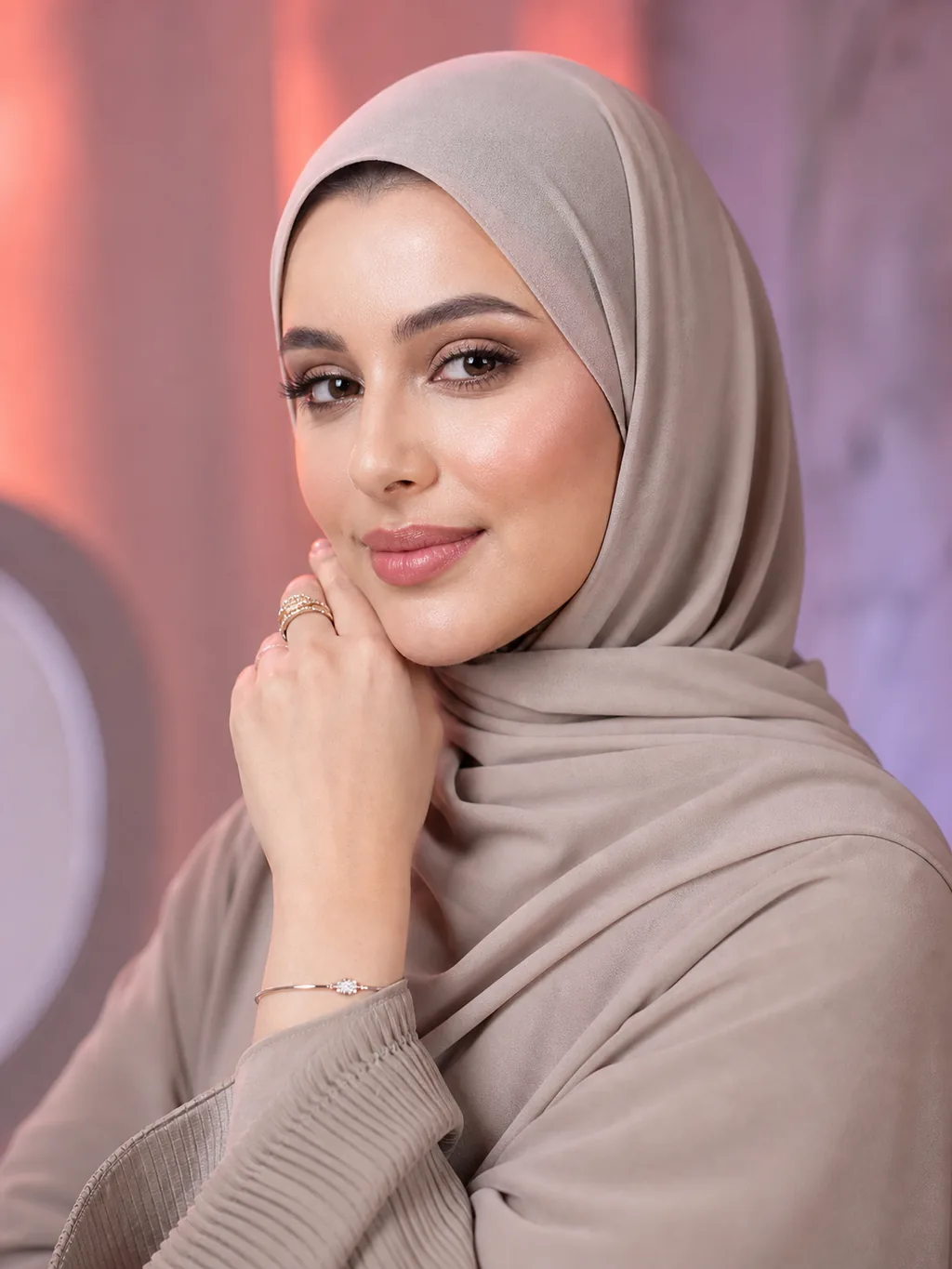
Glamour Beauty Portrait
MediumA premium glamour beauty portrait with flawless skin, jewelry sparkle, and a luxury cosmetics-ad look.
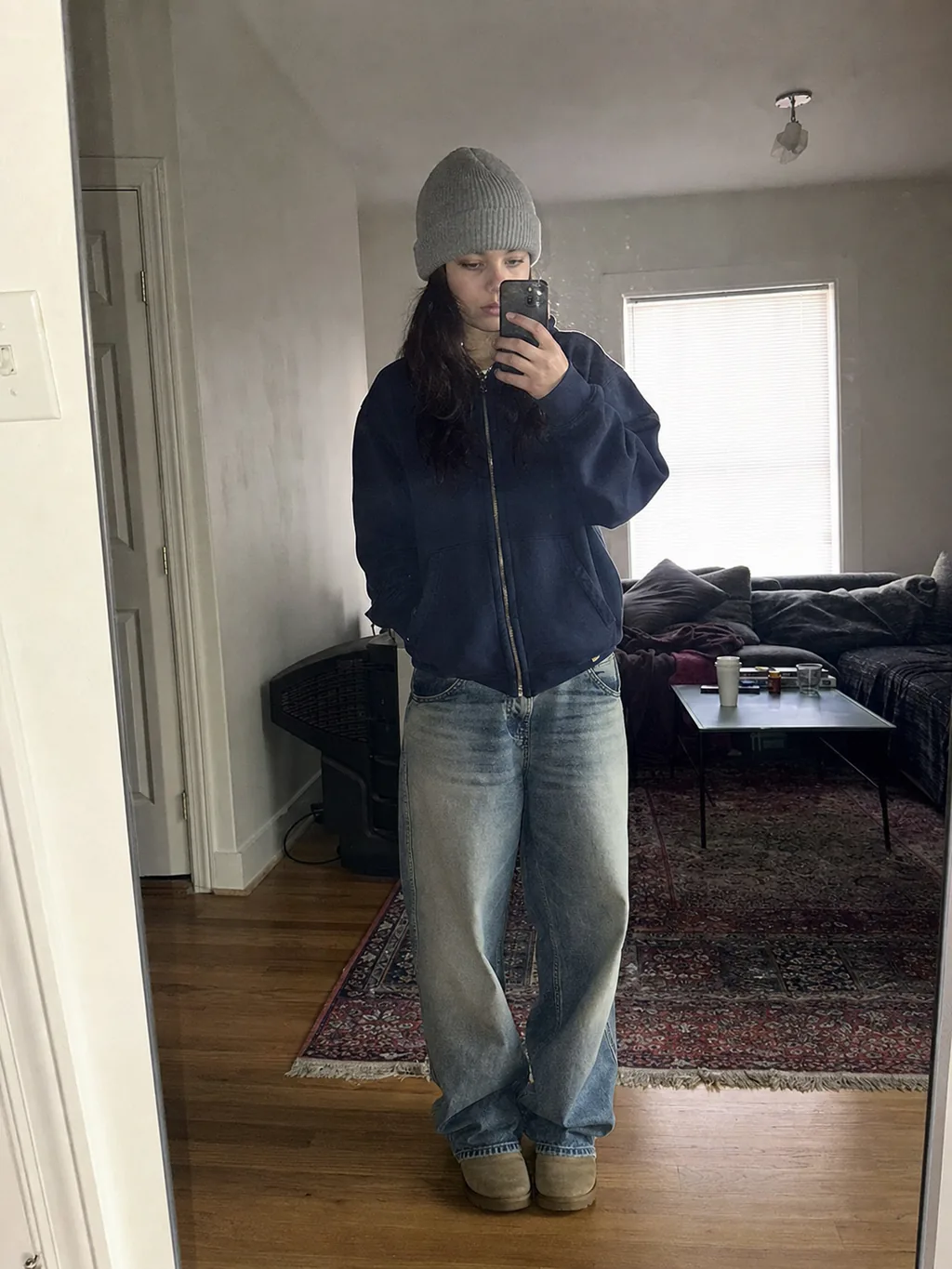
Mirror Selfie Portrait
EasyA mirror selfie portrait with a 2000s aesthetic, phone reflection, and a candid mood.
How to Write Better Muse Image Prompts — S-S-C-L-D Framework
Structure every Muse Image prompt with 5 parts for consistent results
Anchor the main subject first — who or what is in the image. Be specific about identity, role, age, and pose.
Define the visual style: editorial photography, illustration, 3D render, infographic, mockup, etc.
Set the framing: shot type (close-up / wide), angle (overhead / 45°), and layout (grid, flat-lay, hero).
Specify light source, color temperature, contrast, and atmosphere (warm morning light, soft window light, neon glow).
Lock in textures, materials, color hex codes, typography, output quality, and any anti-patterns to avoid.
Example
A 35-year-old Asian female CEO (Subject), corporate editorial photography (Style), medium close-up at eye level with shallow depth of field (Composition), soft window light from the left and warm golden-hour tone (Lighting), shot on 85mm f/1.4, sharp facial details, subtle skin texture, no oversaturation (Details).Common Muse Image Prompt Issues & Fixes
Quick fixes for the most frequent Muse Image prompt problems
Distorted Hands or Faces
Be explicit about the body part: 'natural five-finger anatomy', 'symmetric facial features'. Reference a real photo style ('shot on 85mm f/1.4') to bias the model toward photoreal anatomy.
Garbled or Misspelled Text
Wrap exact text in quotes inside the prompt: title 'SOLAR SYSTEM GUIDE'. Keep on-image text under 8 words per block. Specify font style: 'bold sans-serif title', 'serif editorial'.
Too Many Elements / Cluttered Output
Cap the scene to one focal subject + 3-5 supporting elements. If you need a complex composition, structure it as a numbered list inside the prompt (1) hero shot... (2) supporting items...
Color Palette Drift
Pin colors with hex codes: 'deep brown #3C2415, cream #FFF8F0, gold accent #C9A84C'. Add 'no oversaturation' or 'no warm cast' to anchor neutrality when needed.
Muse Image Prompts FAQ
Everything you need to know about these Muse Image prompt templates
Ready to Generate with Muse Image?
Pick any Muse Image prompt, paste it into ChatGPT or the OpenAI API, and get a professional output in seconds.